Inkhue
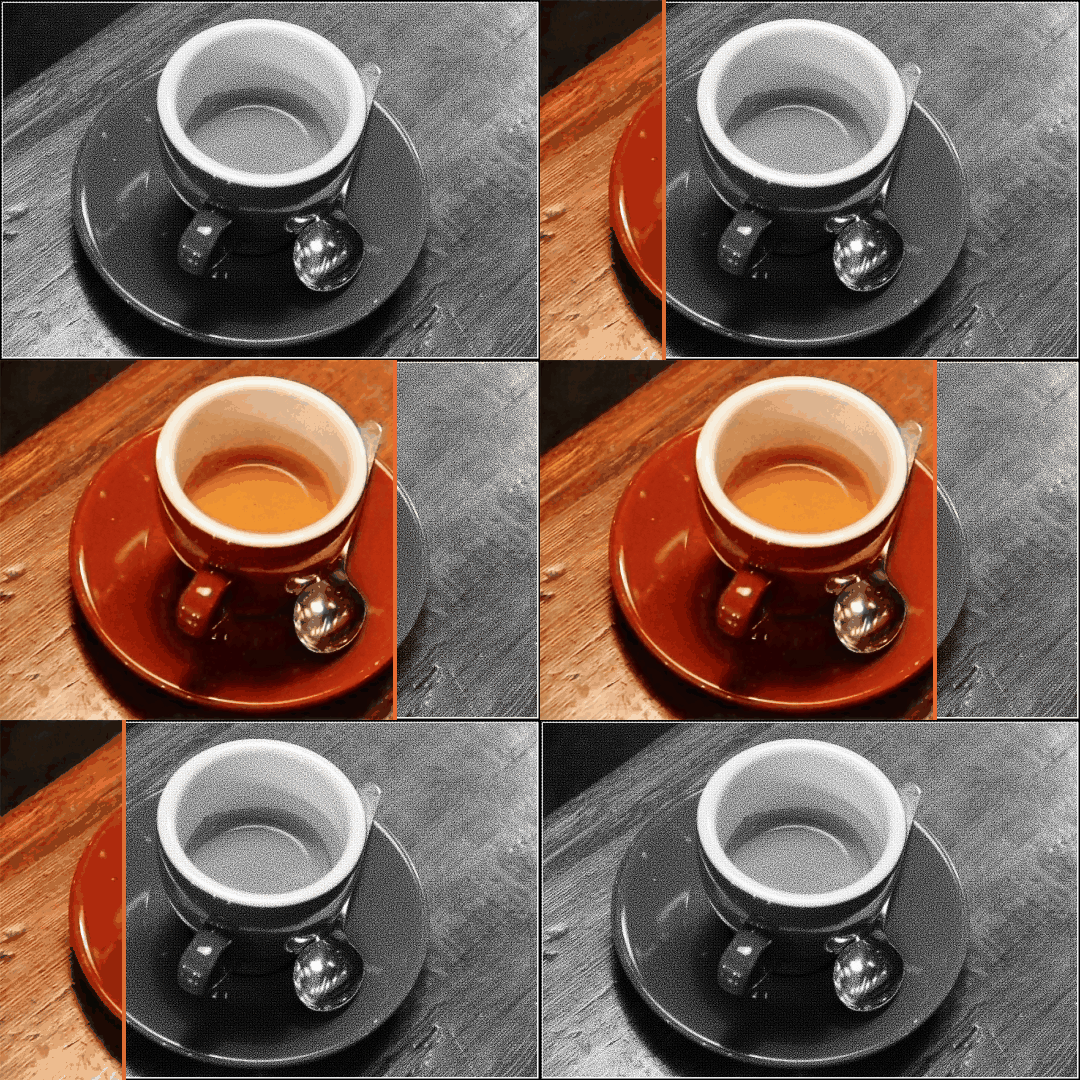
A black-and-white print that carries its own color.
Print a color photo or document on any black-and-white printer — it looks like an ordinary grayscale page. Scan it, and Inkhue brings the color back. Free and open source.
A black-and-white print that carries its own color.
Print a color photo or document on any black-and-white printer — it looks like an ordinary grayscale page. Scan it, and Inkhue brings the color back. Free and open source.
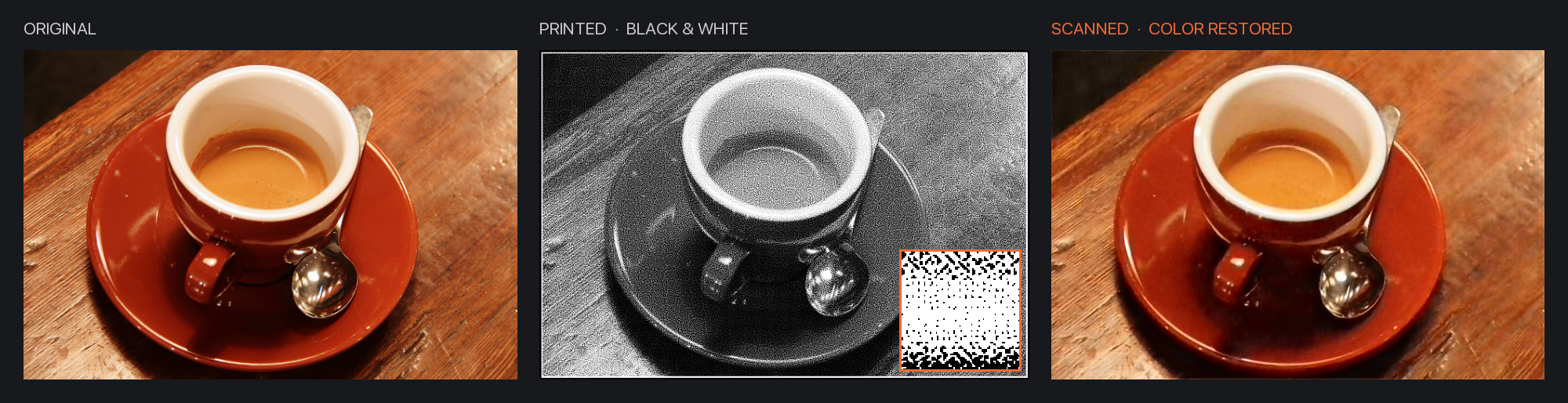
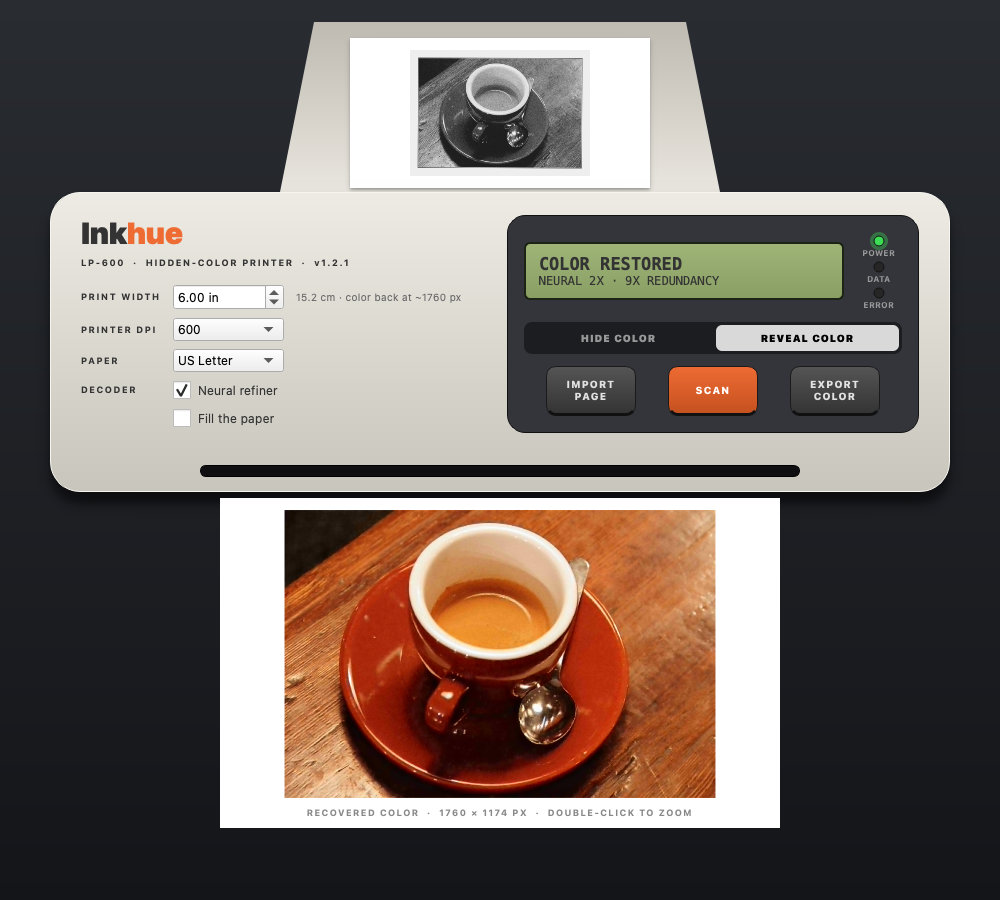
Original · what gets printed (inset: the actual printer dots) · color recovered from the scan, at 2× resolution.
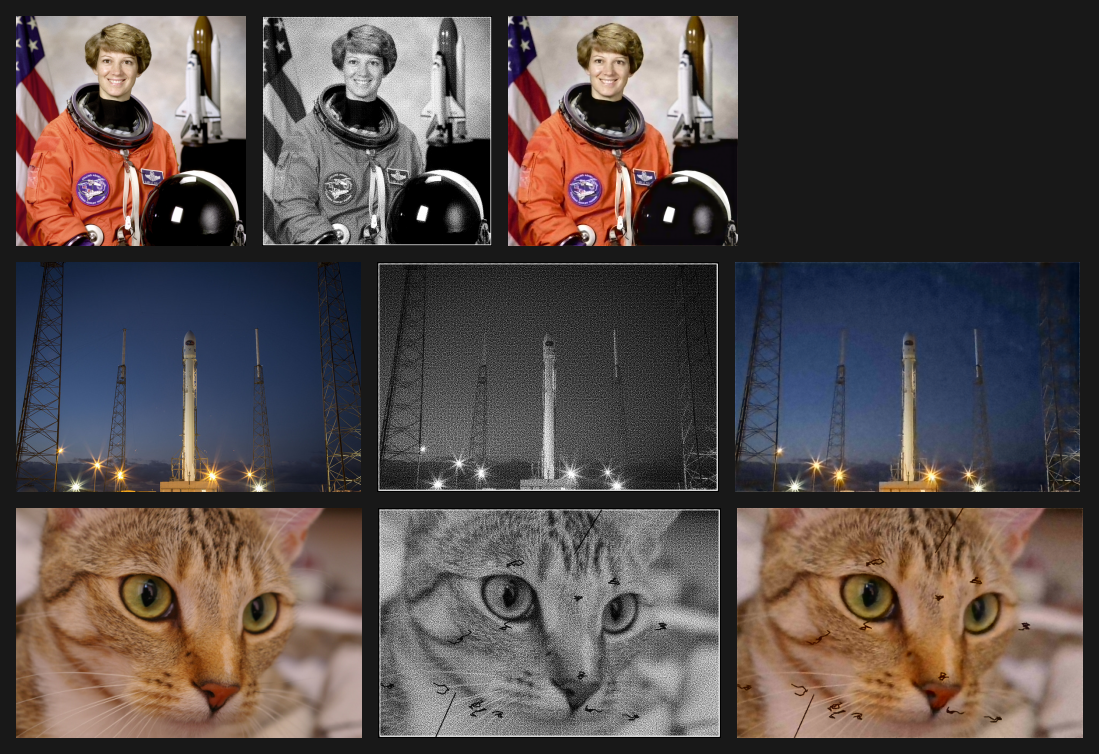
Bottom row: written on with a pen — the color still comes back, and the handwriting stays.
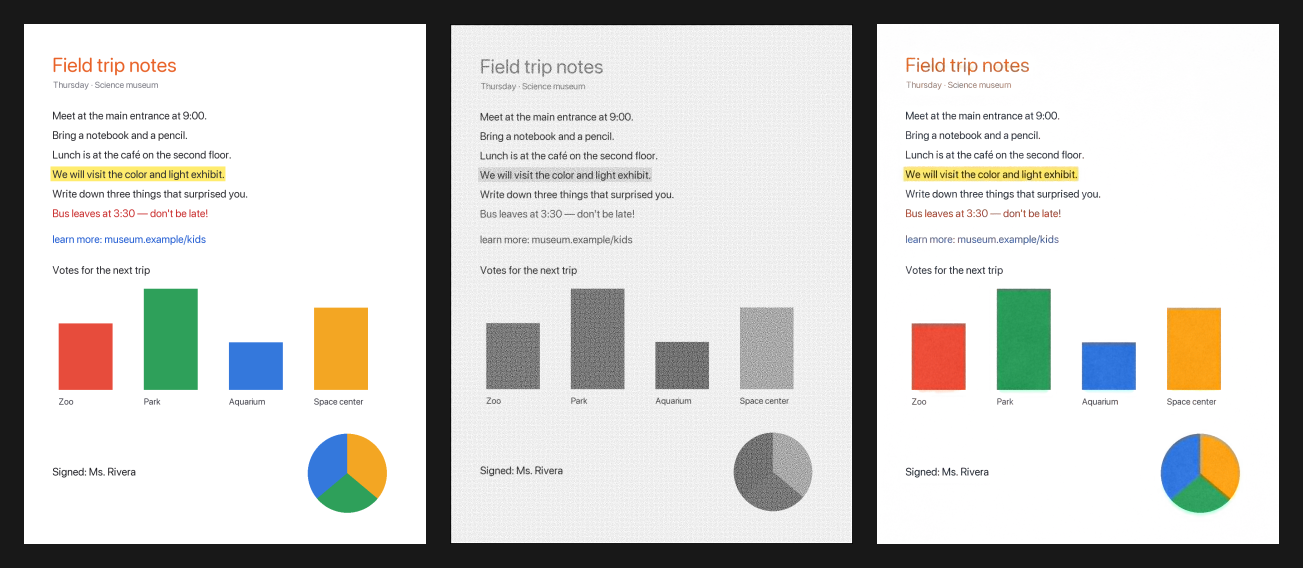
Documents too: highlights, colored text and charts.
macOS, Windows or Ubuntu/Debian installer. Updates itself.
Load a photo, image or PDF. Inkhue makes the black-and-white page, as large as your paper allows.
From Inkhue's print panel at 100 % scale, on any black-and-white printer.
Scan in grayscale at 600 dpi (400 at least). The color comes back — export it as PNG, JPEG or PDF.
Every pixel is a 4×4 cell of printer dots. How many dots are inked sets the gray; which corner the ink leans towards stores 2 bits — about 5.6 KB per square inch.
Color at 1/8 resolution, Reed-Solomon error correction, repeated across the page and scattered. Smudges, handwriting, tilt and upside-down scans are fine.
A small network reads the scan dot by dot and returns the photo at 2× resolution, without grain.
No key, no encryption, no account. Hidden from the eye, not from people. Apache-2.0.
The full story, step by step, is in the README and the wiki.
Loading…
Live from GitHub: issues labelled roadmap.
| Condition (simulated print + scan) | Decoded | Color error ΔE |
|---|---|---|
| Typical print and scan | 100 % | 2.5 |
| Scan at 400 dpi | 100 % | 3.3 |
| Handwriting on the page | 100 % | 3.3 |
| Poor print and poor scan | 80 % | 6.7 |
ΔE ≈ 2 is barely visible. Tried it on a real printer? Share your result.